 a Bit SaiGon
How to play
A match is short and loud. Here is everything you need for the first one.
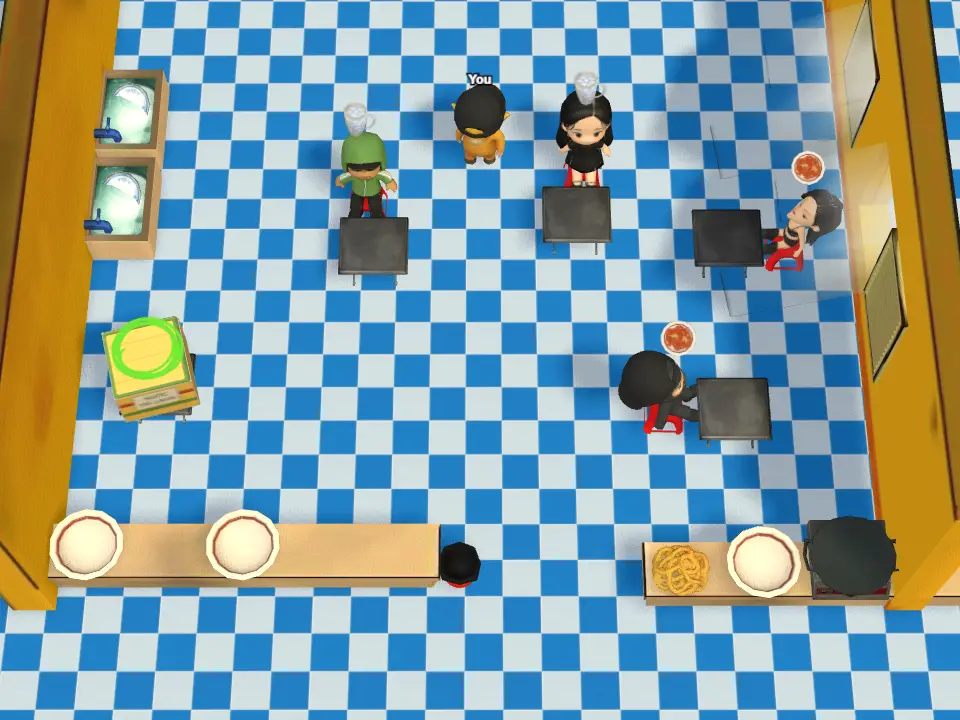
A look at the kitchen
Every match drops your whole team into one small kitchen like this one. Stations line the walls, clean plates wait on the counters, and the serving window is where finished dishes go out. You share it with up to three other cooks, so the first thing to sort out is who stands where.
Your first match, step by step
- Open the game and press play. A guest session is made for you — no sign-up needed.
- Create a room and pick a level, or join a public room from the room list.
- Set the room to public so strangers can fill it, or keep it private and share the room code with your friends.
- When everyone is in, the host starts the match and the kitchen loads.
- Read the order tickets at the top of the screen: each one lists the ingredients a dish needs.
- Not sure what to click next? A green circle floats over the next thing to do — tap it and it jumps to the next step for you.
- Click where you want your chef to walk. Walk into a station to use it: the board chops, the pan fries, the oven bakes. A few stations need two clicks — one to start, one to collect once it is done.
- Carry the finished ingredients to a clean plate, then run the plate to the serving counter.
- Dirty plates pile up in the sink. Somebody has to wash them, or you run out of plates mid-rush.
- Serve as many orders as you can before the timer ends. Your team score decides the stars for that level, and what you personally did decides your end-of-match titles.
Meet your kitchen stations
Not every level has all of these, but this is the full line-up. Walk your chef into any station to use it.
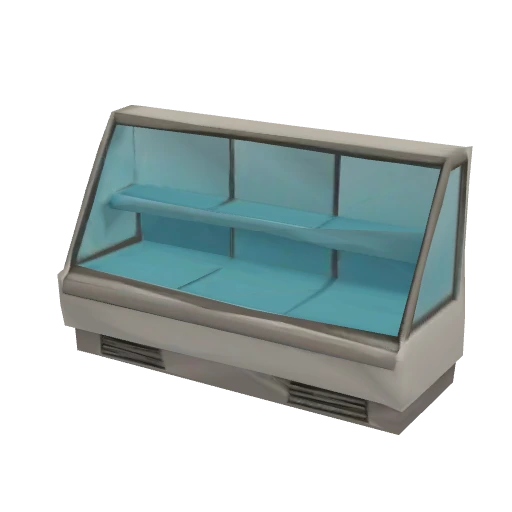 Fridgegrab the raw ingredients an order needs: meat, veg, dough and more.
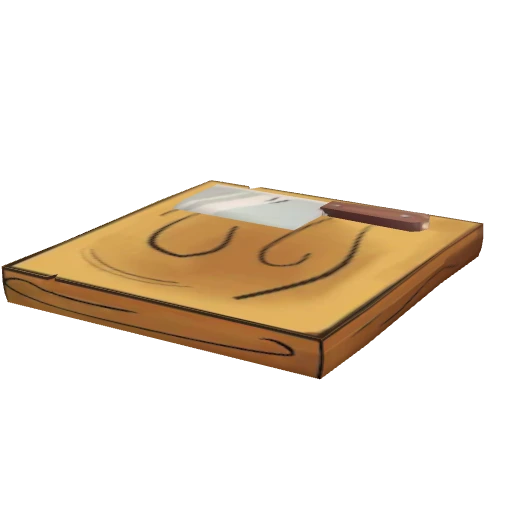 Chopping boardchop and prep ingredients before they can be cooked.
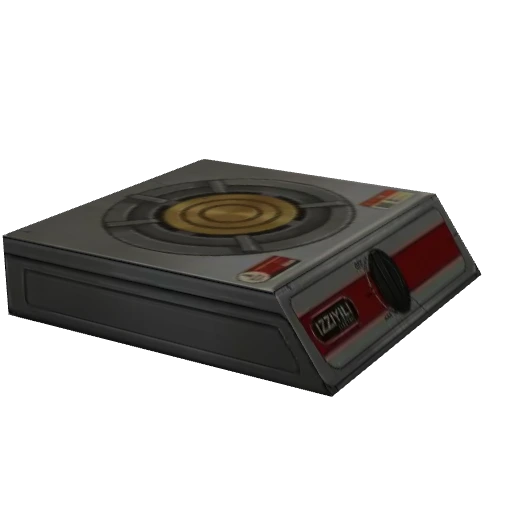 Stovefry and pan-cook ingredients until they are done.
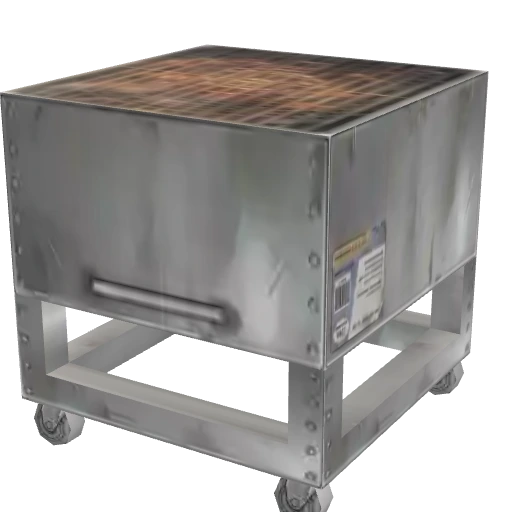 Grillchar meat and skewers over the coals.
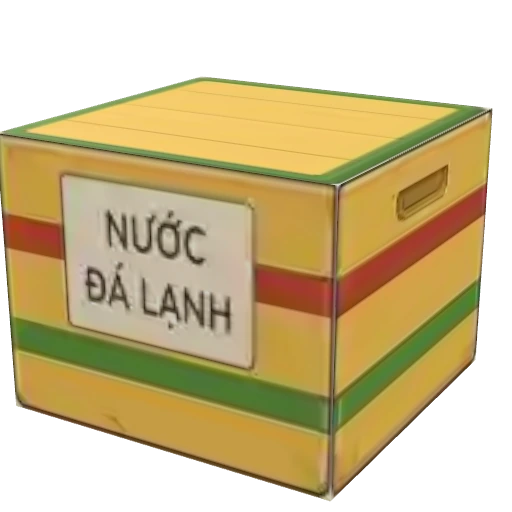 Ice boxpour the cold drinks, like the classic Vietnamese iced tea.
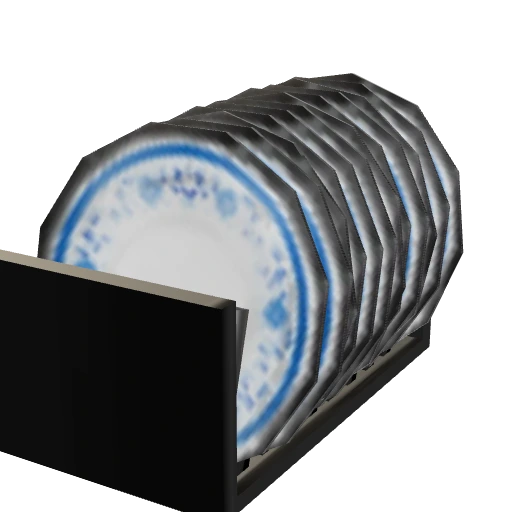 Platestake a clean plate to build each finished dish on.
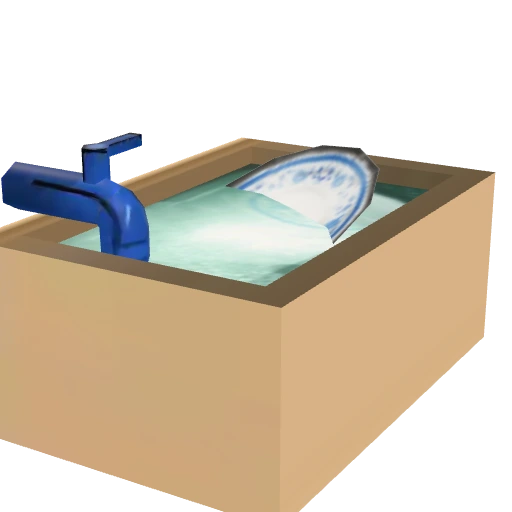 Sinkwash the dirty plates so the kitchen never runs out.
 Binthrow away anything burnt or made by mistake.
How to actually score well
- Agree who owns which station in the first ten seconds. Two people at one pan is two people doing one job.
- Keep one person on plates and washing during a rush — an empty plate rack stops the whole kitchen.
- Start the slow steps first. Anything that bakes or fries can cook while you chop the rest.
- Mid-cook and have to step away? Pick the ingredient back up or set it on a counter — the cook timer pauses and picks up right where it left off once it is back on a station.
- Talk. Voice chat is in the game for a reason, and three stars is much easier with it on.
- A dish served wrong still costs you the time it took. Check the ticket before you run it out.
Tips & strategy
A few things that pay off across matches, not just inside one.
- Play the level you can three-star, not the hardest one. Stars come from the team score, and a calm, clean kitchen always scores higher than a frantic one.
- Learn one level cold before chasing new ones. Your ranking score keeps only your best team score per level, so a repeat run you nail beats a shaky first run somewhere new.
- Replay your worst levels, not your best. Only a new record moves your total, so the biggest gains hide on the levels you rushed the first time.
- Keep the same crew together. A spot on the group leaderboard needs the exact same players across your matches — swap even one person and it counts as a brand-new group from zero.
- Bring registered friends when you are climbing: a match with a guest player in it does not count toward group ranking at all.
After the match: score and titles
- Points are not all handed to whoever serves the dish — every pickup, cook, plating and wash gets credited, and the end screen shows your exact share as a percentage.
- With two or more players, a match can award MVP plus four side titles: Sous Chef (most prep work), Speed Demon (fastest serving), Combo Keeper (longest combo) and Dish Hero (most dishes washed) — one player can hold several at once.
- Each level scores 0–3 stars off your team score, and the XP you earn matches that score exactly — going past 3 stars still keeps adding XP, with no cap.
Controls
- Click or tap the floor to walk there.
- Walk into a station, an ingredient crate or the counter to interact with it.
- The guide circle is on by default — turn it off with the eye icon next to Pause once you know the kitchen by heart.
- Hold your phone or tablet sideways — the kitchen is a landscape screen.
- Sound, graphics quality, language and microphone all live in the settings panel behind the gear icon.
Play it like a real app, no App Store needed
a Bit SaiGon is a PWA (Progressive Web App): install it straight from your browser onto your home screen and it opens full screen — no address bar, no browser tabs, just like an app downloaded from a store. It's entirely optional — playing straight in the browser works exactly the same; installing just makes it open faster.
On iPhone / iPad (Safari)
- Open a Bit SaiGon in Safari — it has to be Safari; other iOS browsers can't install it this way.
- Tap the Share button (a square with an arrow pointing up) in the bottom bar.
- Scroll down and tap "Add to Home Screen".
- Tap "Add" — the a Bit SaiGon icon appears on your home screen, and opening it is full screen with no address bar.
On Android phones (Chrome)
- Open a Bit SaiGon in Chrome.
- Tap the three-dot menu (⋮) in the top right.
- Tap "Install app" — or tap "Install" if Chrome already shows a banner suggesting it.
- Confirm — the icon appears on your home screen and opens just like a regular app.
On desktop (Chrome / Edge)
- Open a Bit SaiGon in Chrome or Edge.
- Look at the right side of the address bar for an install icon (a small screen with an arrow).
- Click it, then click "Install" — a Bit SaiGon opens in its own window, with no address bar and no browser tabs.
Free, in your browser — no download, no account needed.